The Arch Way
Reclaiming the Machine
The Arch Way is about choosing mastery. Most operating systems treat you like a user who cannot be trusted with the truth. They manage you. They restrict you. They abstract the machine away to keep things predictable at scale, treating you like an inconvenience or a threat. This is why forced restarts exist. Read Harry Brignull’s Deceptive Patterns.
If you were able to find this blog post, you are capable of being the owner of your own machine.
The Illusions That Keep You Stuck
1. The Illusion of Progress
The belief that a mainstream OS will eventually meet your ideal is a myth. Updates do not move you closer to your goals; they move you sideways toward a perfect average. This is a system designed to be usable for everyone but optimized for no one.
Systems evolve for many reasons: new users, new markets, new ideas. But those changes are not aligned with your workflow. You keep adapting to the system, instead of building your own system.
Progress based on someone else’s system is limited. You can only move within the boundaries they define.
Real freedom comes from building on foundations you own. Open Source software is the bedrock of this. Arch is a rolling release distribution, meaning there is no “Version 12” coming to overwrite your life. There is only one Arch: your Arch.
2. The Illusion of Interfaces
A User Interface is not a shiny object designed to attract you, nor is it a cosmetic layer meant to make a system feel “modern.” Its primary role is discoverability. Menus, buttons, and visual cues exist to show a beginner what is possible. They are training wheels.
Because these systems are designed for beginners, you are forced to use training wheels even after you stop needing them. This serves as a backward justification to make the training wheel the primary way of interacting with the system.
Notice that interfaces are always redundant. Anything you can do with a button, you can do without one. As a thought experiment: imagine a system directly connected to your brain; there would be no interface at all. This proves a fundamental truth: interfaces are a middle-man, and the best interface is the one you stop noticing.
We are often led to believe that a Graphical User Interface (GUI) is naturally superior to the terminal. The command line is framed as outdated or overly complex. Even on systems like macOS, which are built on Unix, the default terminal experience is hidden and under-emphasized. The focus is placed on polished, controlled interfaces. In reality, the terminal exposes capabilities directly. A GUI presents a curated subset of those capabilities, designed for accessibility rather than completeness.
This is not to say that graphical applications don’t have their place. You still need a GUI to browse the web, edit photos, or play video games.
In practice, you should start with an interface until you are comfortable enough to work without it. Once you understand your tools at a fundamental level and have developed muscle memory for your workflows, you stop “discovering” and start “triggering.”
Modernity is defined by efficiency, not window blurs or animations. Efficiency increases with minimalism. To build a system you truly own, all you really need is:
-
A Tiling Window Manager: To manage your physical space.
-
A Terminal: To execute your intent.
-
A Color Scheme and a Font: To make the environment legible and yours.
When you break the illusion of interfaces, you gain Velocity. Your interaction with the computer becomes a direct line from thought to action. You no longer wait for animations or navigate menus designed for someone who doesn’t know what they are doing.
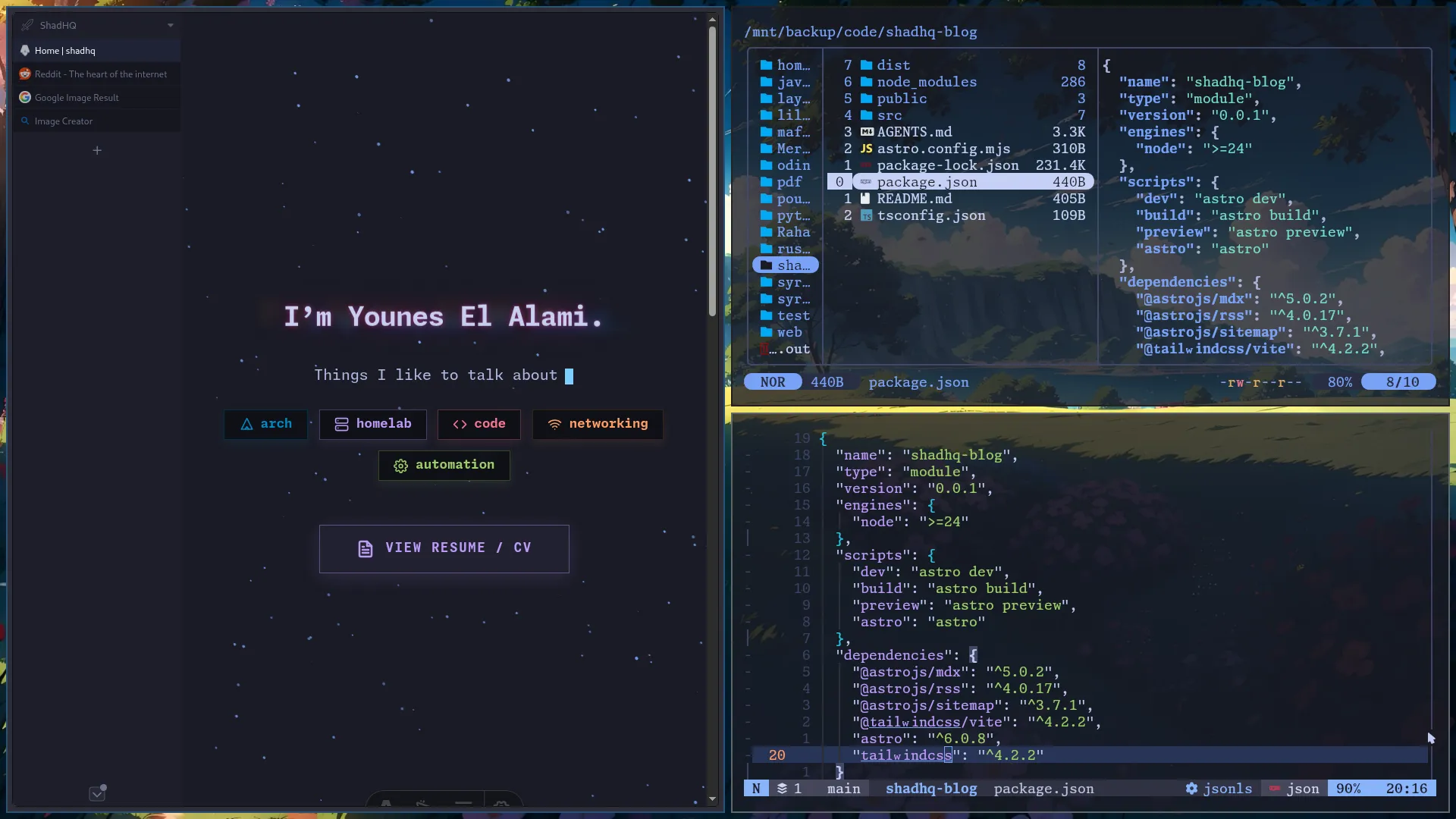
What is even more counter-intuitive is that an empty screen can look more gorgeous than one filled with bars and widgets. All you need is a great wallpaper and the speed of your own workflow.
The folks at Vim call this “editing at the speed of thought.”
3. The Illusion of Stability
Arch has a reputation for being unstable. This is both true and false.
As a rolling release with bleeding-edge software, you are a tester. This is not an exaggeration. Other distributions often wait for the Arch user base to iron out bugs before pushing updates to their own users.
But breaking your system is a fundamental aspect of learning it. It is hard to understand a system you have never broken. While you are learning, you should not set yourself an objective that blocks you from starting, like wanting 99.99% uptime from the get-go. You are not running a mission-critical data center; you are running a personal computer.
Arch is not inherently unstable. Once you move past the learning phase, you architect for Redundancy. You stop relying on luck and start relying on a strategy to recover from almost anything in a single click.
-
BTRFS + Snapper: Create read-only snapshots before every update. Because BTRFS uses Copy-on-Write, these snapshots take up nearly zero disk space until files actually change. If a package “bleeds,” you boot into the previous state in seconds.
-
Decoupled Partitions: Keep /home and /root on separate subvolumes or partitions. If you ever need to wipe the OS, your personal data remains untouched.
-
Git for Dotfiles: Version control your configurations. Your ideal setup is always one git clone away, making your environment portable and indestructible.
-
Multiple Kernels: Always keep an “LTS” (Long Term Support) kernel installed alongside the latest one. If the newest kernel fails to boot, you simply select the LTS version at the boot menu.
-
USB Fallback: Keep a live Arch ISO on a flash drive. It is your ultimate rescue deck for manual repairs if the bootloader ever fails.
-
Paccache: Arch keeps a cache of previous package versions. If an update is buggy, you can “downgrade” to the version sitting in your cache for an instant, offline fix.
-
The Hook System: The most reliable system is the one that protects you from your own forgetfulness. Pacman “hooks” allow you to trigger scripts—like automatic snapshots—before or after every update.
You know your system is stable when you no longer fear the update button. A stable system is not a black box that promises safety; it is a system you are qualified to command.
4. The Illusion of Cost
When you see an Arch installation guide, your first thought is: “I don’t have time for this.” You see the hours of reading as a high upfront cost. You compare it to a mainstream OS that installs in three clicks and decide Arch is too expensive.
But you aren’t avoiding cost. You are just choosing where to pay it.
Computers are the foundation of your digital life. They hold your memories, your finances, and your work. Yet most people outsource this foundation to a corporation. The “ease” of a three-click install is just the down payment on a lifetime of dependency.
There is a price for keeping your sovereignty, and a steeper one for losing it.
-
The Cost of Dependency: You pay a lifelong subscription of friction. You pay when your OS reboots during a deadline. You pay when hardware is throttled to force an upgrade. You pay in mental energy fighting an interface designed to sell you services instead of executing your intent. This is the hidden tax of long-term friction.
-
The Cost of Sovereignty: You pay an upfront investment of effort. An afternoon for the install, a weekend for the configuration. But once the architecture is built, the recurring cost drops to near zero. You stop paying with your frustration, and the system starts paying you back in velocity. This is the short-term pain that buys long-term freedom.
Most people stay with Windows or macOS because of the Sunk Cost Fallacy. You feel like moving to Arch would waste the years you spent learning where the buttons are. But every few years, those companies change the UI and force you to relearn everything anyway. You are trapped on a treadmill.
Break the cycle. Spend the effort to learn Arch once. Because it uses transparent, text-based configuration, the logic you learn today will still work a decade from now. Stop wasting your energy on a corporate rental. Invest it in a foundation you will never have to rebuild.
Conclusion
The Arch Way is a life philosophy. We all choose where to apply it. I know there are many areas of my own life where I should take ownership and I still do not.
I hope this inspires you to take ownership of your digital life. Start in a virtual machine. Break it. Fix it. Realize that the “magic” of a modern OS is just a series of logical layers you are capable of mastering.
Connection closed. Returning to terminal...